Designing voice for product interfaces
Adding voice to a product is not the same as making a voiceover. It is interaction design with sound — latency, tone, fallbacks, accessibility, and localization all become first-class concerns. A field guide for teams shipping spoken audio inside their product.
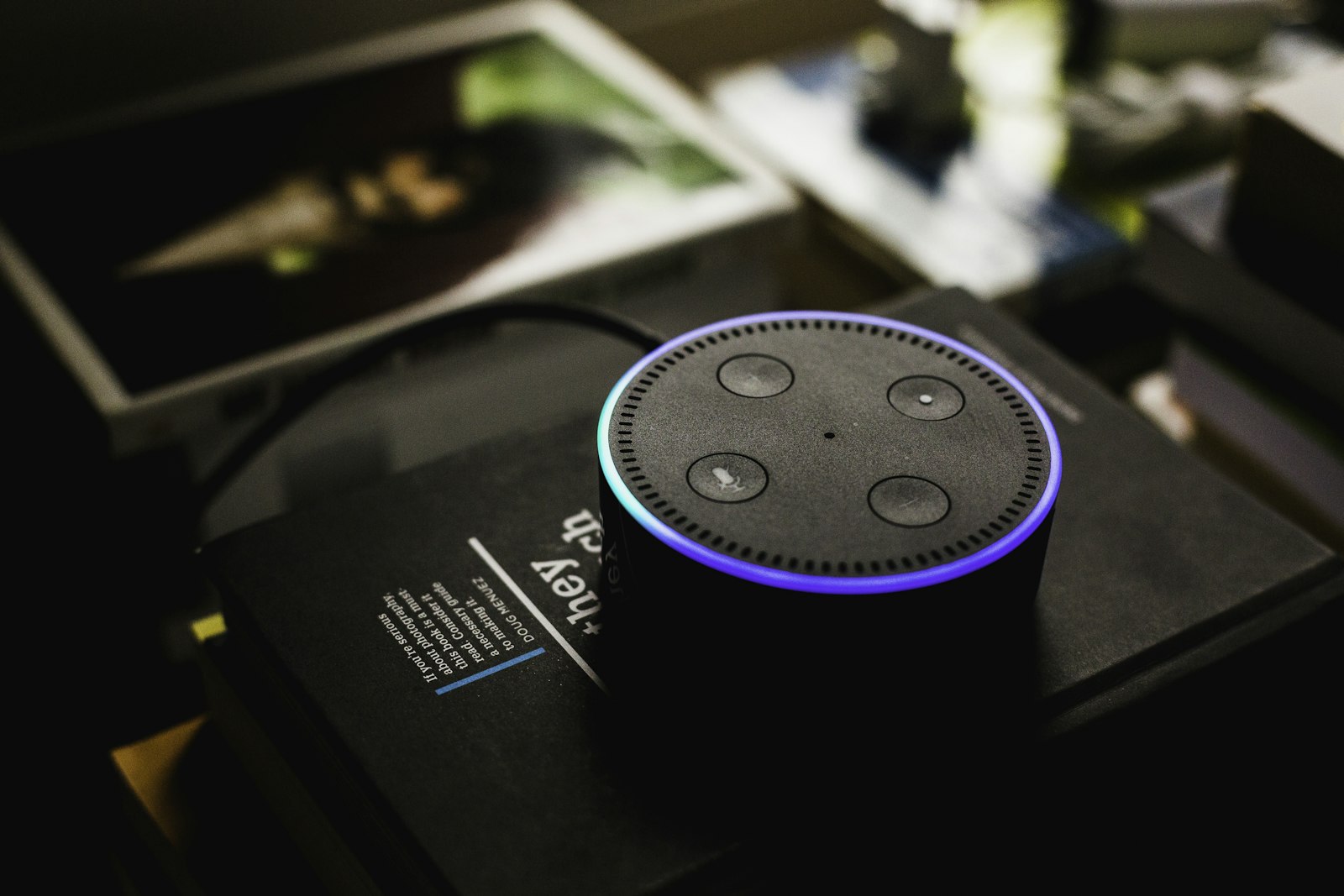
There is a tempting assumption that once you can generate great narration, adding voice to a product is easy — just generate the strings and play them. Teams that ship on that assumption quickly discover their mistake. A voiceover is consumed once, linearly, with the listener's full attention. A product voice is part of an interface: it interrupts, it repeats, it competes with whatever the user is already doing, and it has to behave well when the network is slow or the device is muted. Designing it well means borrowing as much from interaction design as from audio production, and treating voice as a component of the experience rather than a layer painted on top.
This is a field guide for that work: the constraints that separate a product voice from a voiceover, and the design decisions — latency, tone, fallbacks, accessibility, localization, and architecture — that determine whether spoken audio feels like a thoughtful feature or an annoyance users turn off.
Voiceover versus voice interface
The core difference is interactivity. A voiceover has one timeline; a product voice responds to the user, often at unpredictable moments, and frequently repeats the same cue many times. That changes everything downstream. A line you will hear once can be expressive and long; a confirmation you will hear two hundred times must be short, calm, and never grating on the tenth repeat. Before designing any spoken cue, ask how often a user will hear it and in what state of mind — and let that shape the writing and the delivery far more than brand aesthetics would.
Latency is a feature
The constraint most teams underestimate is timing. A two-second delay is perfectly fine for a generated podcast and completely unacceptable for a confirmation prompt that should feel instant. In an interface, audio that arrives late is worse than no audio at all, because it desynchronizes from what the user just did. The architecture has to respect that. Pre-generate audio for fixed strings so they are ready the instant they are needed, and reserve on-the-fly synthesis for genuinely dynamic content that cannot be known in advance.
For that dynamic content, design around asynchronicity rather than making the user wait. Generate in the background and let a webhook tell your application the moment the audio is ready, then play it or surface it without blocking the rest of the interface. The goal is that the user never sits watching a spinner for a voice — either the audio is already there, or the experience continues smoothly and the audio arrives when it can.
Tone has to match the moment
In a product, the right tone is contextual, not constant. The same app might want a calm, slow voice for an error state and a brighter, quicker one for a celebration or a completed task. A single flat delivery applied everywhere will feel wrong in half the moments it appears. The fix is not to improvise per screen but to define a small palette of directed deliveries up front — a reassuring one, an upbeat one, a neutral informational one — and map each interface moment to the appropriate register. That keeps the experience coherent while still letting the voice meet the user where they are.
Plan for failure
Audio fails constantly in the real world — devices are muted, networks are slow, users are in a quiet room where sound would be rude, accessibility settings change behavior. A product that depends on the user hearing something will fail those users silently. The rule is that voice is an enhancement layered on a complete silent experience, never a load-bearing wall. Every spoken cue must have a visual equivalent, and nothing critical should be conveyed by audio alone. Build the experience so it works perfectly with the sound off, then add voice as something that makes it better when conditions allow.
This discipline also protects you from the awkward edge cases: the user who has audio on in a meeting, the one on a flaky connection where synthesis is delayed, the one whose device simply cannot play your format. Graceful degradation is not a nice-to-have for product voice; it is the baseline.
Accessibility and user control
Voice can be a powerful accessibility feature, but only if it respects the user's control. Let people turn it off, change its volume independently, and never trap them in audio they cannot skip or silence. Respect system-level preferences, including reduced-motion and reduced-audio settings, and remember that some users rely on their own screen readers — your voice should complement assistive technology, not fight it. The most inclusive products treat spoken audio as one option among several for consuming the same information, with the user firmly in charge of which they use.
Localization of interface strings
Voice UX is where localization quietly gets expensive, because every interface string in every supported language needs its corresponding audio — and those strings change as the product evolves. Done manually, this is unmanageable; a single copy tweak across thirty languages becomes a coordination nightmare, and audio drifts out of sync with text. The sustainable approach is to drive synthesis from your build pipeline through an API, so that whenever a source string changes, its audio regenerates automatically in every language. Localization stops being a manual chore and becomes a step that simply happens, which means adding the tenth or twentieth language costs almost nothing.
Design for that from the start. If audio strings are treated as derived artifacts of your source copy rather than hand-managed files, your spoken interface stays perfectly aligned with your text across every locale, even as both evolve. Retrofitting this later, once you have thousands of orphaned audio files, is far harder than building it in early.
Pre-generate, cache, and automate
Architecturally, the winning pattern is to treat most product audio as static assets generated ahead of time. Identify your fixed strings — confirmations, errors, navigation cues, notifications — and pre-generate them as part of your build, cached and served instantly. Reserve real-time synthesis for the genuinely dynamic minority, and even then, generate asynchronously and notify your app on completion. This keeps the interface responsive, your costs predictable, and your audio consistent, because the same string always plays the same way.
Write for the spoken interface
Copy that works on screen often fails when spoken aloud in a product. A button label or a terse error message that reads fine visually can sound abrupt or confusing as audio, because the listener has no punctuation, layout, or the ability to re-read to lean on. Spoken interface lines should be short, unambiguous, and self-contained — a user hearing "Saved" needs to know what was saved, where a visible checkmark beside a field made that obvious. Write the audio version of a string deliberately rather than reusing the visual label by default.
Be especially careful with anything dynamic that gets injected into a spoken string — names, amounts, dates, counts. These are exactly the values that mispronounce or land awkwardly, and in an interface they change every time. Decide how each variable should be spoken and build that into the template, so "you have 1 new message" and "you have 5 new messages" both sound natural rather than grammatically broken. Small grammatical glitches that the eye forgives are jarring to the ear, and they accumulate into a product that sounds careless.
Test in context, not in isolation
A spoken cue can sound perfect in a quiet review session and fail completely in real use. Test voice where it will actually live: interrupting a task, repeating for the tenth time, playing over the ambient noise of a commute, arriving a half-second after the tap that triggered it. Problems that are invisible when you audition a single clip — a cue that is charming once but irritating on repeat, a confirmation that arrives too late to feel connected to the action — only surface when you experience the audio in the flow of the interface. Build that contextual testing into your process before shipping, the same way you would usability-test a visual flow.
Pay particular attention to frequency and fatigue. A sound a user hears dozens of times a day has to be not just inoffensive but genuinely easy to live with, which usually means shorter, softer, and less melodically distinctive than your instinct suggests. When in doubt, err toward restraint: it is far easier to make a quiet, calm product voice slightly more present than to walk back one that users found grating enough to disable. And give people granular control over which categories of audio they hear, so they can keep the cues they value and silence the ones they do not, rather than facing an all-or-nothing switch that pushes them to turn everything off.
Treat voice as a design system
The teams that do this well stop thinking of product voice as a pile of audio files and start treating it as a system: a defined voice, a small palette of contextual deliveries, conventions for length and tone by moment, a fallback for every cue, and a pipeline that keeps every string current across every language. Documented and automated, that system makes spoken audio a dependable, scalable part of the product rather than a fragile experiment. Voice is becoming a first-class interface element, and the products that treat it with the same rigor as their visual design are the ones where it feels like it belongs.
Try it on your own scripts
Generate your first voiceover in under a minute — no credit card required.
Start free